
Centro autorizado de ventas y servicio para
Venta de máquinas de coser Bernina

Venta de aspiradoras Miele
Venta de máquinas de coser Viking

Venta de aspiradoras Riccar

¡Próximamente, las máquinas de coser Bernina Liberty!
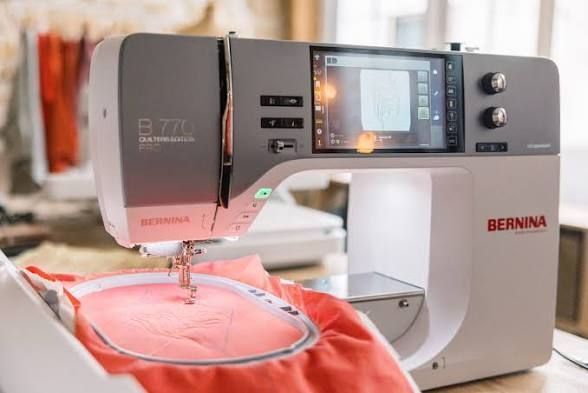
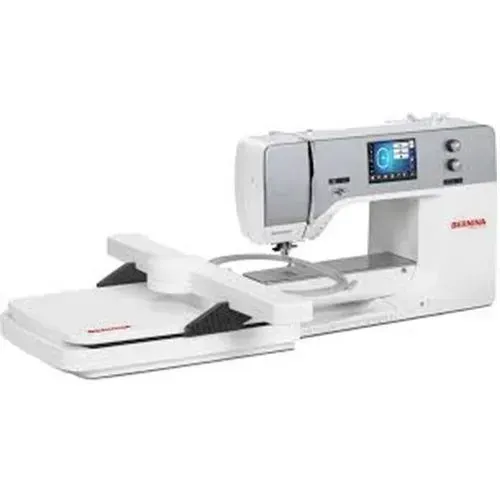
¡MÁQUINA DE COSER BERNINA 770QE PRO!
¡UNIDAD DE BORDADO GRATUITA!
Hasta agotar existencias
AHORRA $3000
Ofertas especiales del gerente de la semana
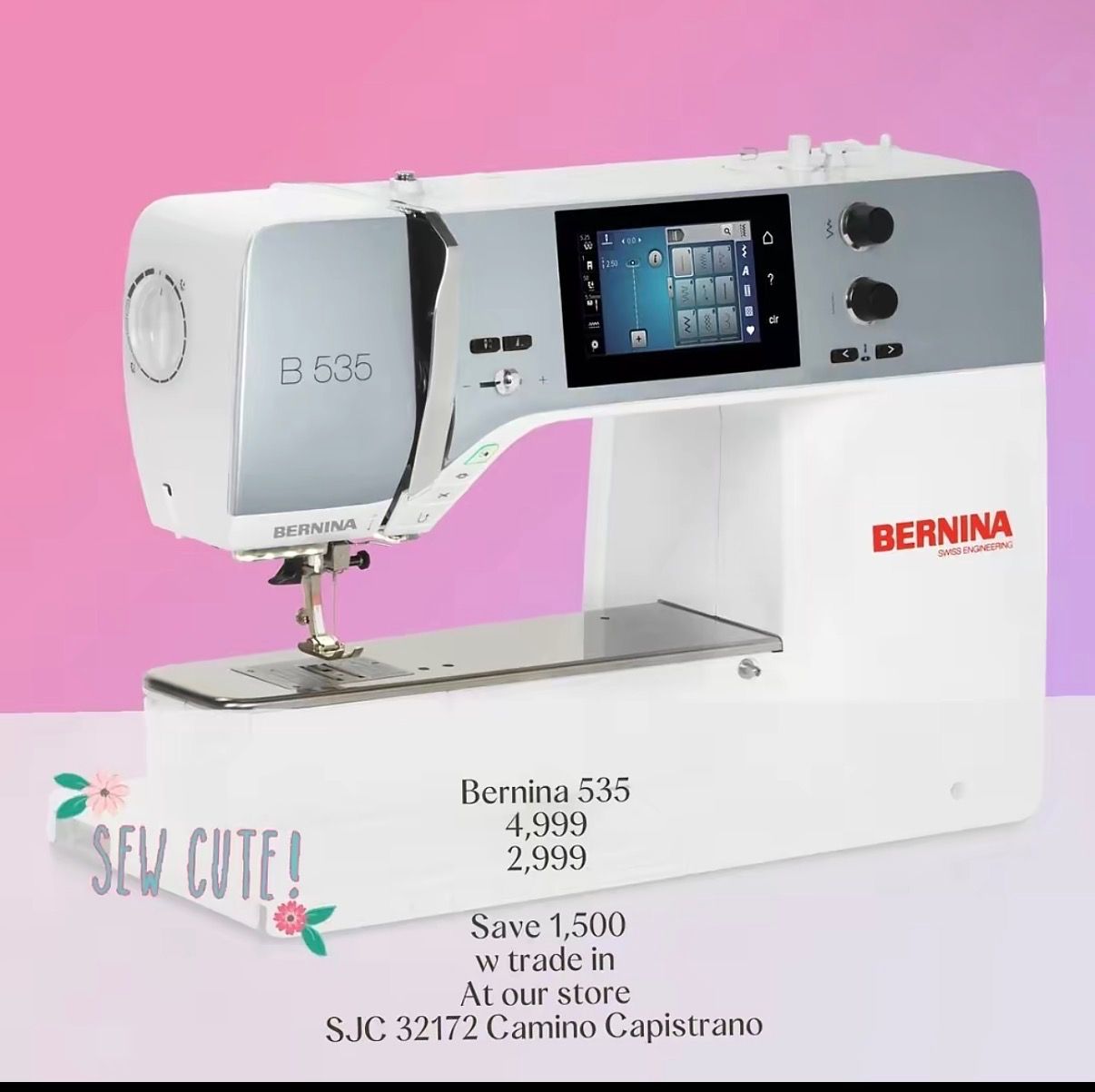
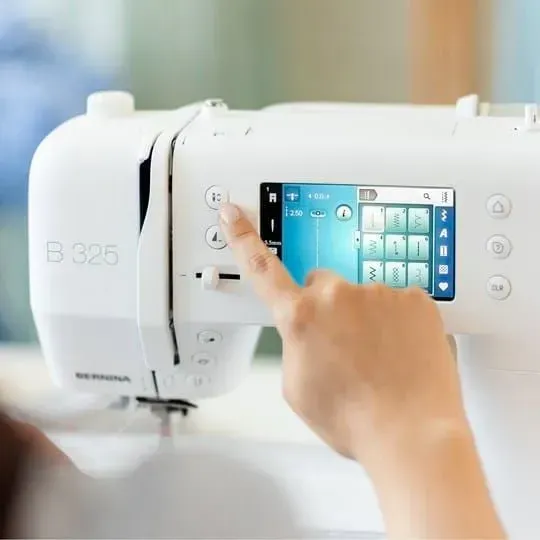
Máquina de coser Bernina B535 Edición Quilting
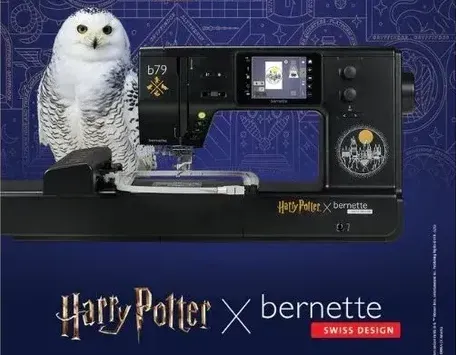
La Bernette 79 Harry Potter ya está disponible y en oferta.
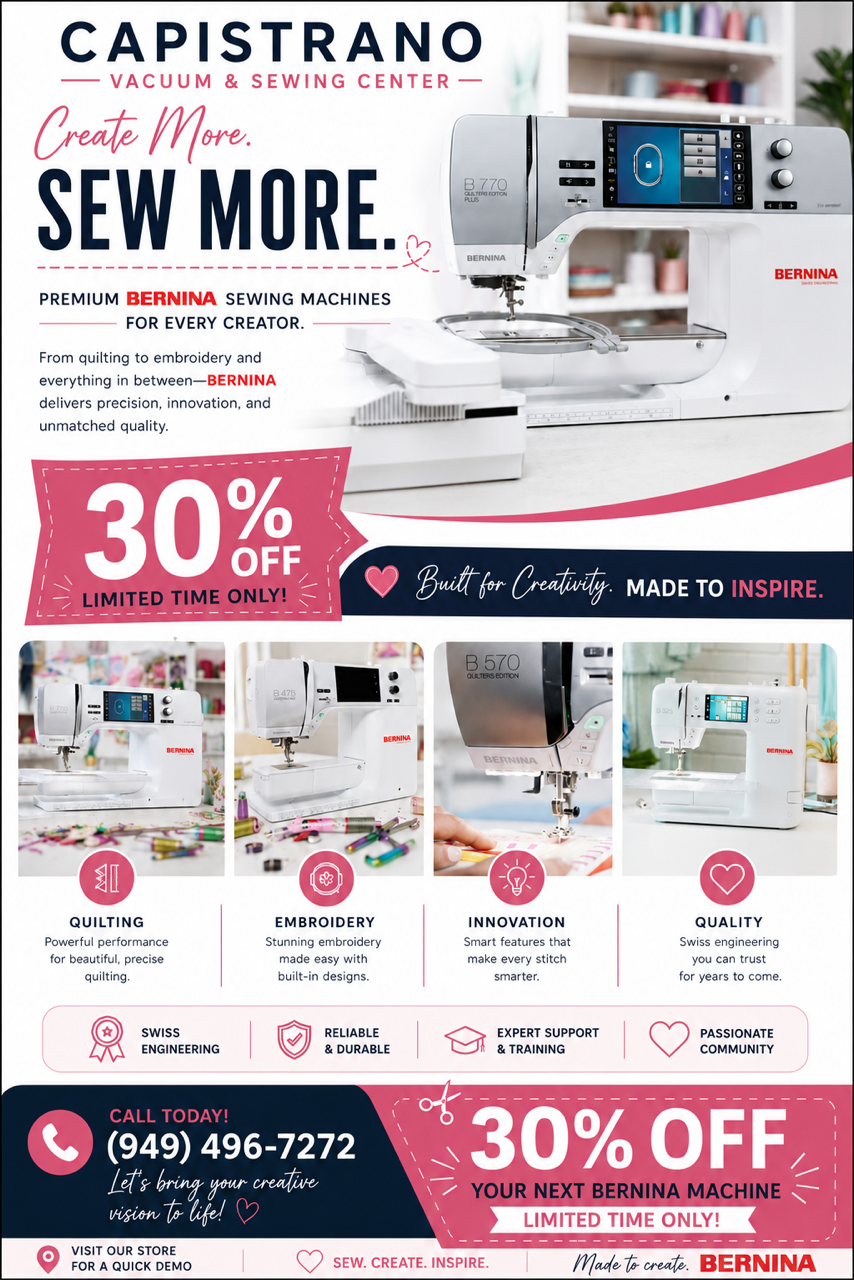
¡Llámenos ahora para reservar su máquina y reciba un 25% de descuento!
Capistrano Vacuum & Sewing Center es una empresa familiar que ofrece aspiradoras y máquinas de coser de alta calidad en el Condado de Orange, California, y sus alrededores, además de servicios profesionales de reparación y mantenimiento. Suministramos aspiradoras y máquinas de coser nuevas y le ayudamos a mantener sus máquinas en óptimas condiciones.
Capistrano Vacuum & Sewing Center lleva ofreciendo productos de alta calidad y un servicio confiable en la zona desde 1973. Confíe en nuestra experiencia y le ayudaremos a encontrar la máquina que mejor se adapte a sus necesidades o le ofreceremos los servicios necesarios para solucionar cualquier problema con las máquinas que ya utiliza. Si necesita una aspiradora nueva, una máquina de coser nueva o el servicio de un técnico de reparación confiable, llámenos al (949) 496-7272 o visítenos hoy mismo.
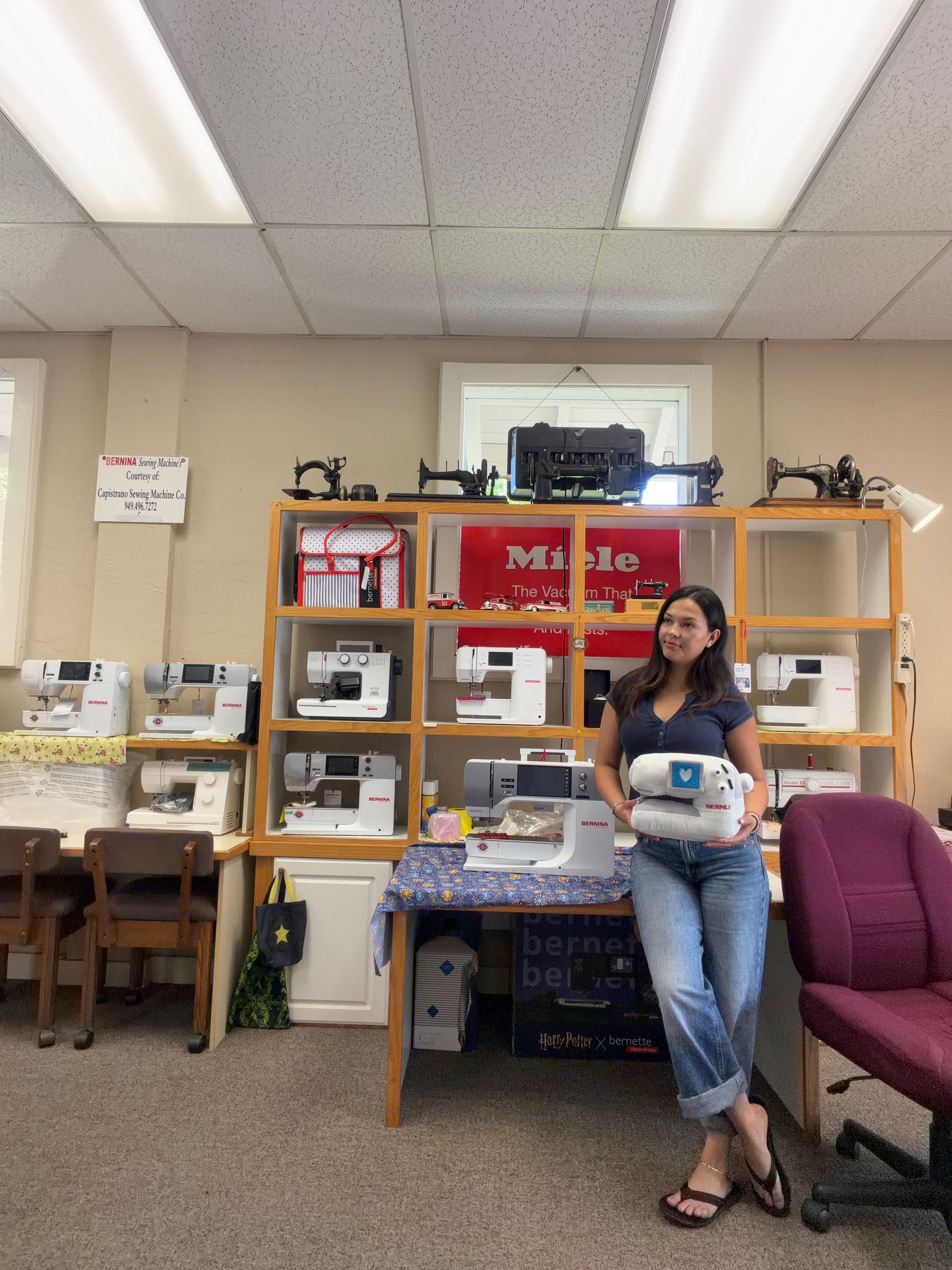
Máquinas de coser, venta y servicio de aspiradoras y reparación de lámparas
Limpieza y arreglos de alfombras y pisos
Las mejores máquinas de coser
Si busca una máquina de coser nueva, no busque más. Como distribuidor autorizado de Bernina, Capistrano Vacuum & Sewing Center es el mejor lugar para encontrar la máquina de coser o remalladora que necesita. Contamos con los modelos más nuevos y populares en stock, listos para que los use. También tenemos una amplia selección de accesorios para cada máquina. Visite Capistrano Vacuum & Sewing Center y adquiera su máquina de coser hoy mismo. Incluso tenemos máquinas usadas en excelentes condiciones que le permitirán realizar su trabajo y ahorrar dinero en comparación con los modelos nuevos.
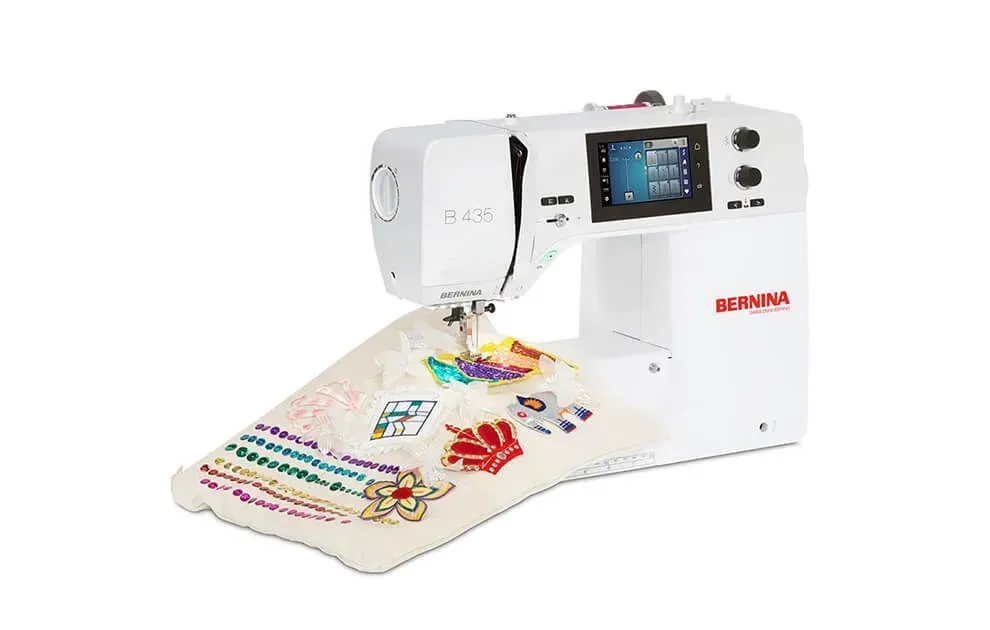
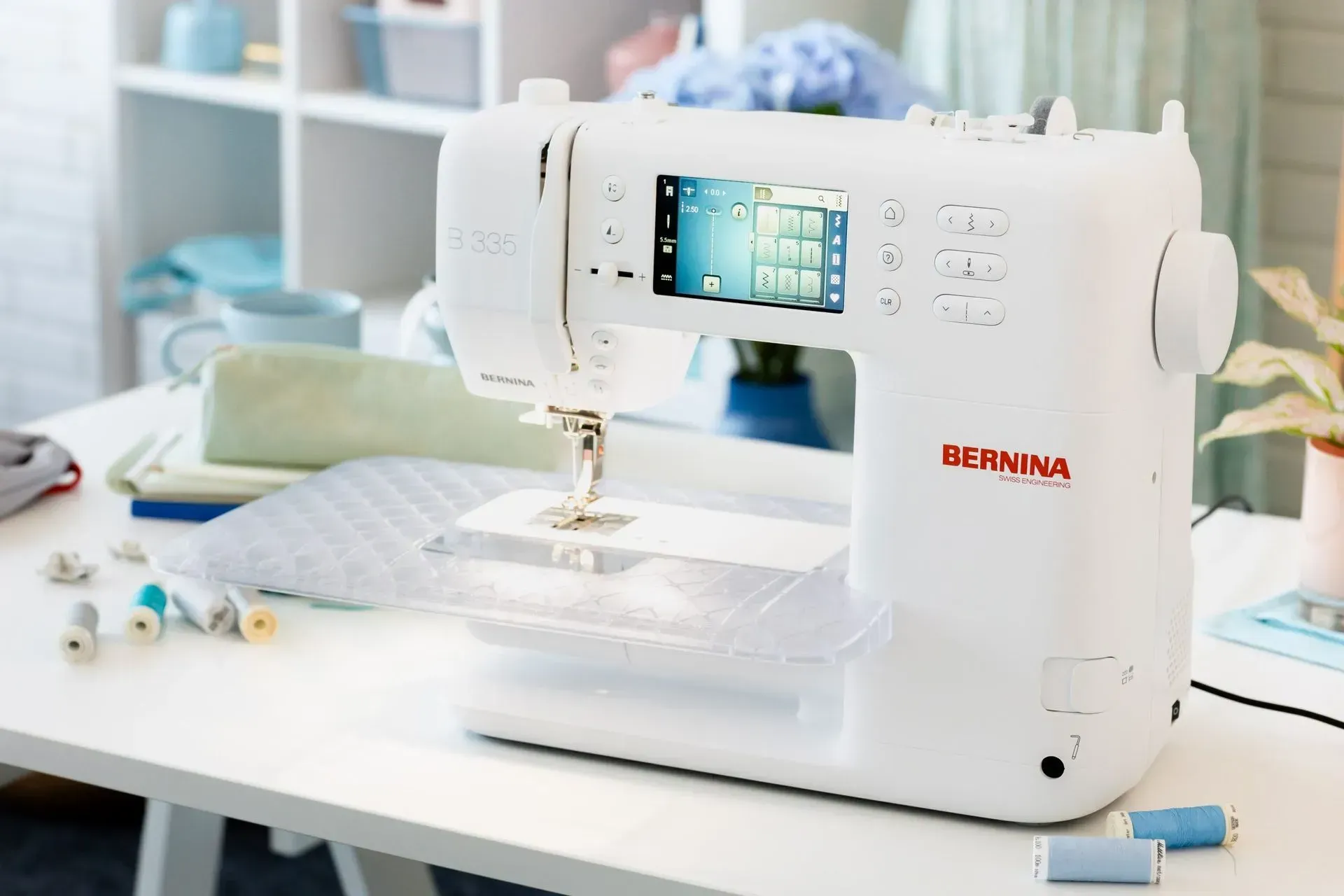
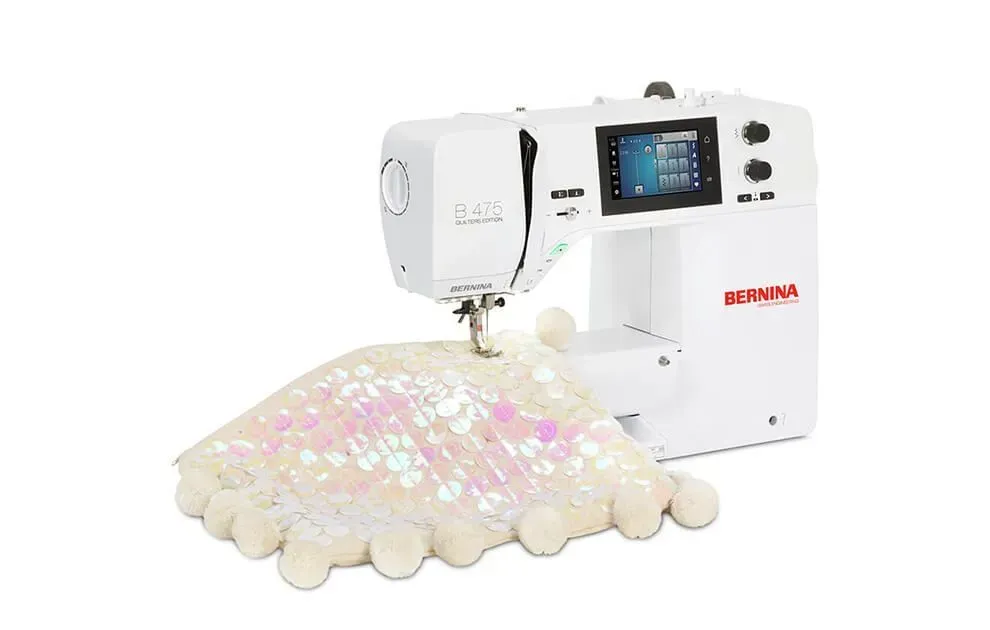

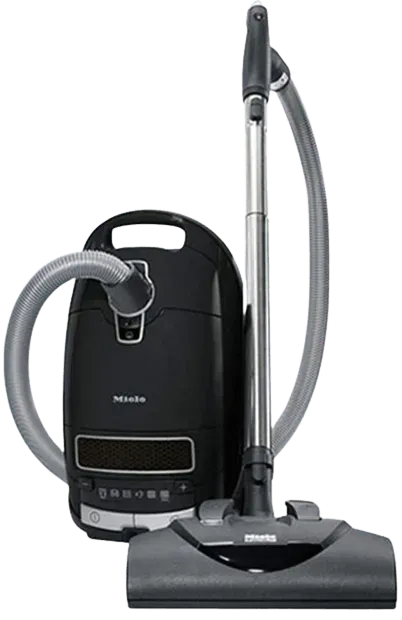
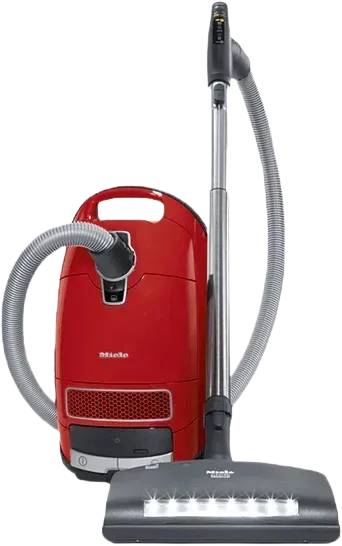
¡OFERTA DE ASPIRADORAS MIELE!
Oferta de aspiradoras Miele
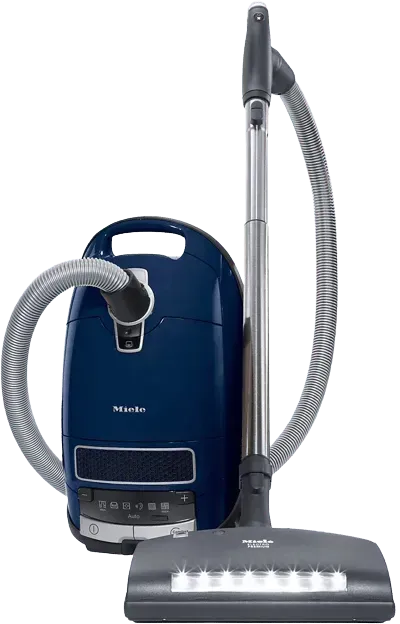
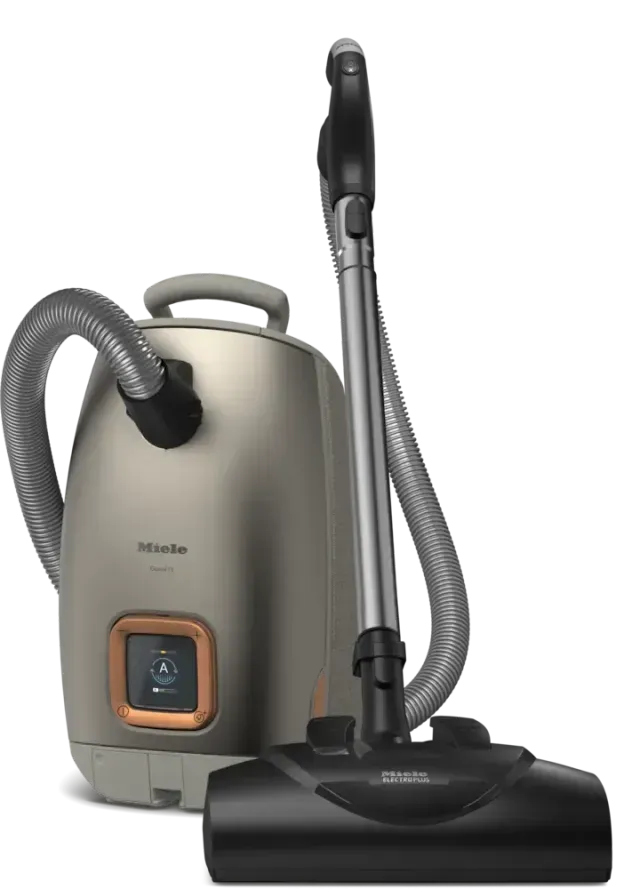
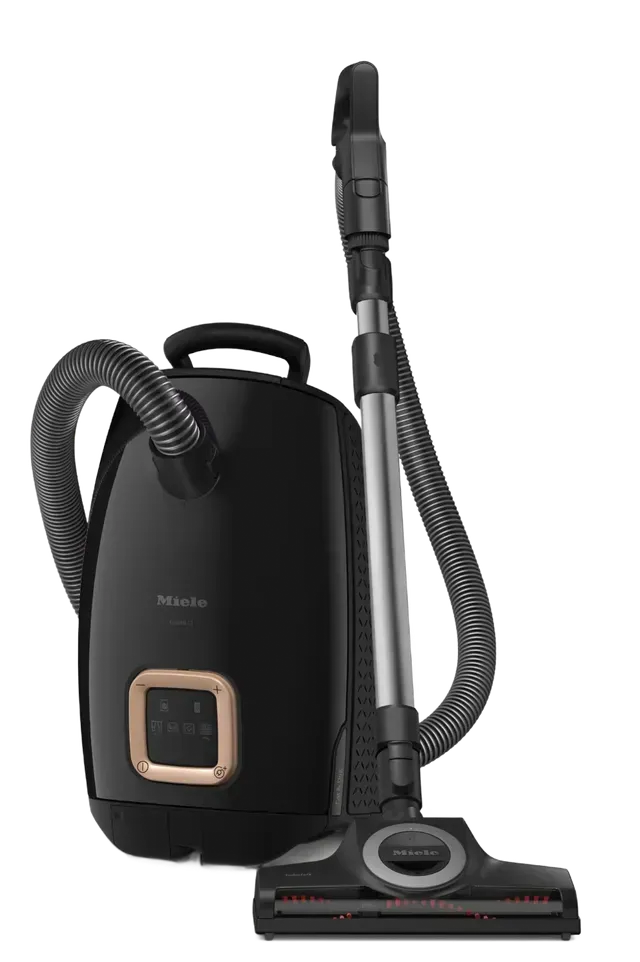
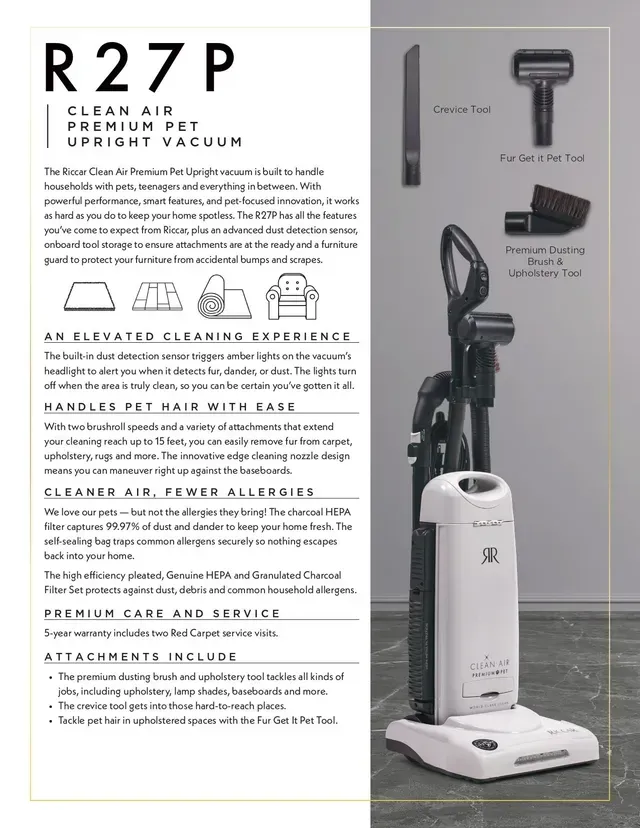
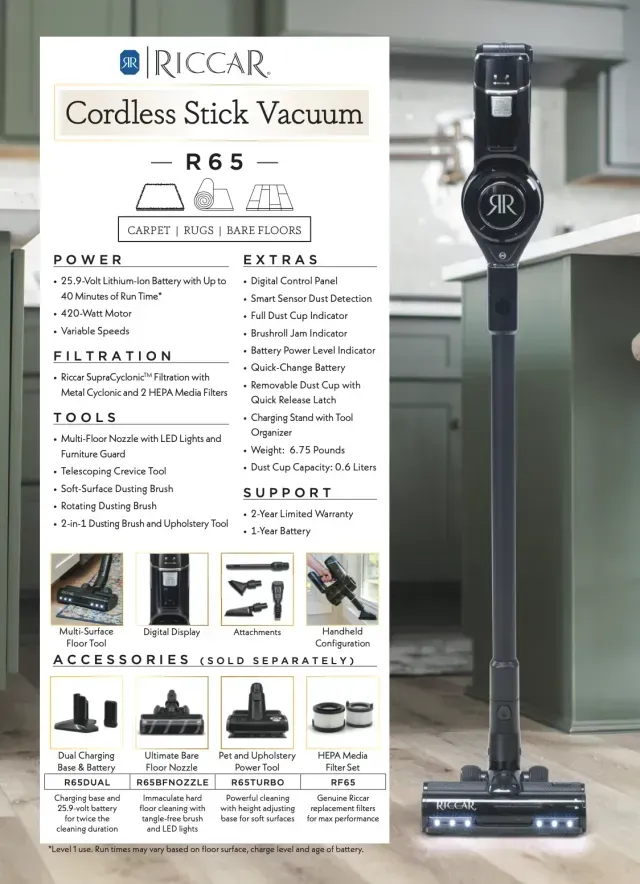
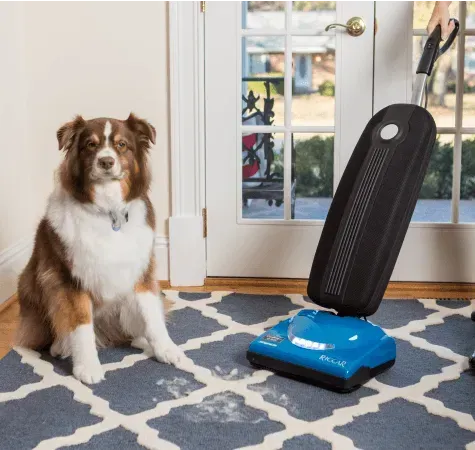
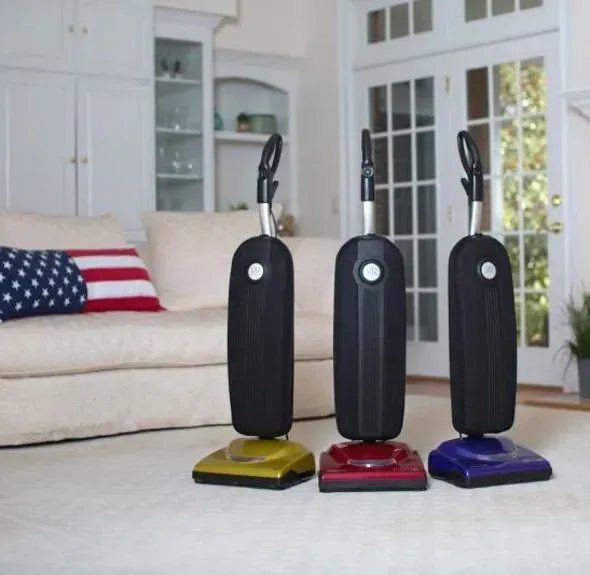
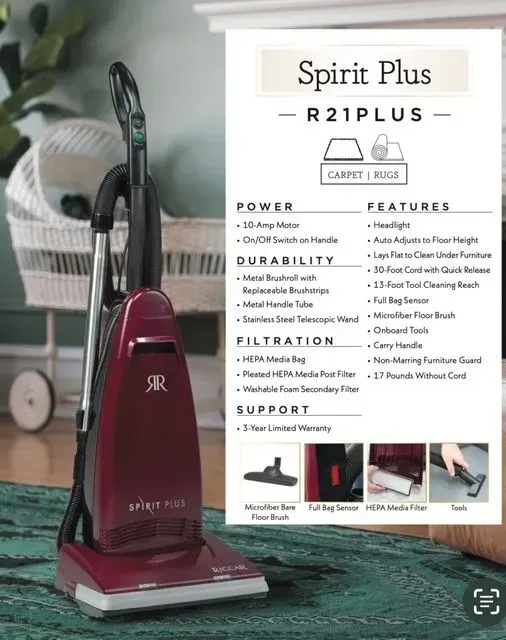
ASPIRADORA RICCAR SPIRIT
HECHO EN EE. UU.
TU TIENDA LOCAL DE ASPIRADORAS Y MÁQUINAS DE COSER
Servicio y reparación profesional
Si tiene problemas con su aspiradora o máquina de coser, nuestro equipo puede ayudarle. Deje que nuestros especialistas en servicio y reparación diagnostiquen y solucionen los problemas de su máquina y la dejaremos funcionando a la perfección.
¡Descubre lo que dicen nuestros clientes!
★★★★★
Son increíbles. Muy amables, profesionales y de confianza. Les llevé nueve máquinas de coser, incluyendo la vieja Pfaff de 1932 de mi bisabuela que heredé y que estaba atascada. Ahora funciona de maravilla. Muchísimas gracias.
-Therese S.
★★★★★
Le compré a mi mamá una máquina de coser Bernina en Capistrano Sewing y estoy encantada. La joven que me ayudó a elegir la máquina fue muy amable, simpática y sabía mucho del tema. Recomiendo esta tienda a cualquiera que busque una máquina de coser nueva.
Giancarlo D.
★★★★★
Soy cliente habitual y estoy muy contento con el servicio y los precios de Capistrano Vacuum. Larry me dio la opción de reparar mi aspiradora antigua o comprar un modelo nuevo. ¡Me facilitó la decisión con una oferta excelente! ¡Lo recomiendo ampliamente!
Polly D.
★★★★★
Me arreglaron la máquina de coser. Ahora funciona de maravilla. Recomiendo mucho este lugar. Excelente atención al cliente.
Debbie F
★★★★★
Este fue un gran descubrimiento cuando buscábamos un lugar para reparar nuestras aspiradoras Kirby de 20 años. Hacen una evaluación y te dan un presupuesto para las reparaciones si son necesarias. El servicio al cliente es excelente y amable; pueden responder a todas tus preguntas. Nos mudamos aquí desde Cincinnati, Ohio, hace 7 años y nos costó encontrar un lugar como los que conocíamos en casa. Es un negocio familiar muy agradable y el dueño suele ser quien trabaja allí. Mi esposa tiene una buena máquina de coser y en este lugar también las venden y les dan servicio. ¡Los recomiendo ampliamente!
Nicolás D.
★★★★★
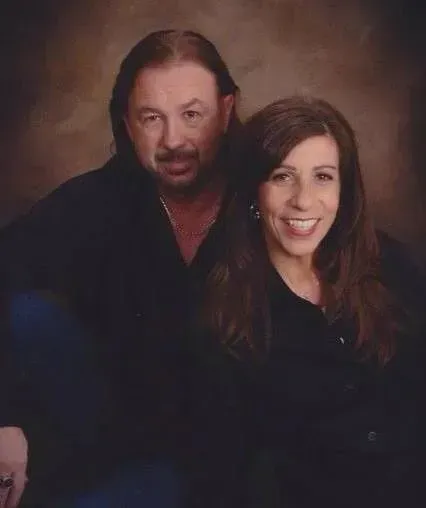
Larry es el mejor. Súper amable y se quedó una hora respondiendo a todas mis preguntas. Apoya a tu tienda local y no compres en una gran superficie. ¡Prefiero tener una relación con un distribuidor que pueda darme servicio!
Taylor L.
★★★★★
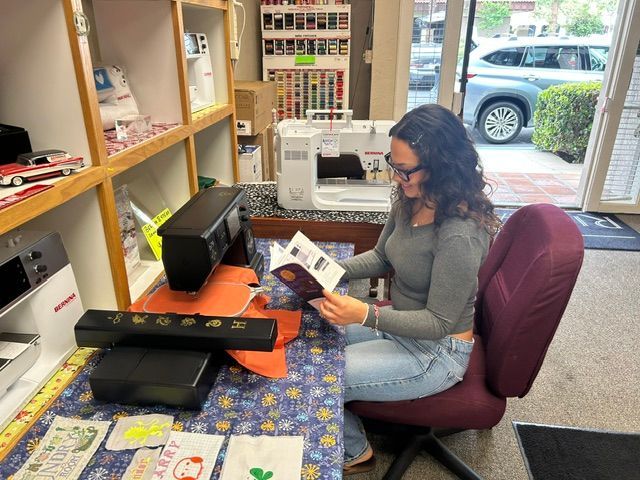
Fui a buscar más información sobre máquinas de coser y Jatziri fue muy amable y servicial. Sin duda volveré.
Suleyma A.
★★★★★
Tuve una experiencia estupenda en este lugar. J fue muy paciente y conocedora. Llegué sin saber qué quería y ella me ayudó durante todo el proceso.
Saúl A.
★★★★★
Le compré a mi esposa una nueva máquina de coser Viking y Larry, el dueño, fue sumamente atento, profesional y demostró gran conocimiento. Recomiendo ampliamente Capistrano Vacuum and Sewing para todas sus necesidades de aspiradoras y costura.
Oscar G.
★★★★★
Estaría perdida sin este taller de reparación. No hay máquina de coser que no puedan arreglar. Además, les compré la aspiradora hace años y, después de 15 años, sigue funcionando a la perfección. También venden repuestos y suministros para las máquinas, y tienen una buena variedad de hilos.
Marcie F.
★★★★★
Hemos tenido muy buenas experiencias con Larry y su taller. Durante años le ha hecho el mantenimiento rutinario a mi vieja máquina de coser Bernina y siempre la ha dejado como nueva. Además, hace poco le pedimos una aspiradora nueva y nos la envió enseguida a un precio excelente. ¡Gracias, Larry!
B Taylor
★★★★★
Necesitaba una puesta a punto para la máquina de coser Singer de mi madre, modelo 1988, y quería saber dónde podía hacer el trabajo. Cuando llamé, Larry fue extremadamente amable, atento y servicial, y me informó del tiempo que tardarían en completar las reparaciones y del costo. Luego dejé mi máquina y la repararon de maravilla. Solo aceptan efectivo para las reparaciones, pero lo avisan con anticipación. Sin duda volveré para futuras reparaciones y los recomiendo ampliamente para todo tipo de aspiradoras y máquinas de coser.
Rebecca W.
★★★★★
Son increíbles. Muy amables, profesionales y de confianza. Les llevé nueve máquinas de coser, incluyendo la vieja Pfaff de 1932 de mi bisabuela que heredé y que estaba atascada. Ahora funciona de maravilla. Muchísimas gracias.
-Therese S.
★★★★★
Le compré a mi mamá una máquina de coser Bernina en Capistrano Sewing y estoy encantada. La joven que me ayudó a elegir la máquina fue muy amable, simpática y sabía mucho del tema. Recomiendo esta tienda a cualquiera que busque una máquina de coser nueva.
Giancarlo D.
¡Precio más bajo garantizado!